Would You Consider the Starlink Mini an Ideal Travel Partner for the Year 2026?
By 2026, the term “office” has been formally eradicated. The Starlink Mini has quickly become the go-to device for worldwide connectivity, whether you’re working from a rugged mountaintop hut or a cramped Toyota Corolla in a canyon.
Does it meet the needs of a digital nomad on the road, though, with its integrated router and smaller antenna? Thousands of miles of road testing and tens of countries later, here is the real scoop on the “laptop bag” dish.

1. The “Laptop Size” Revolution: A Revolution in Design and Portability
Starlink Mini’s weight, or lack thereof, is the first thing that catches your eye. Most professional laptops are heavier than this one, coming in at just 2.56 lbs (1.1 kg).
-
Specifications: 11.75 x 10.2 inches. It’s about the thickness of a MacBook.
-
Consolidated: The Wi-Fi 5 router, in contrast to the Gen 3 Standard, is integrated into the rear of the dish. Having to bring one fewer box and untangle one fewer cable is a huge relief.
To be portable in 2026 means to be able to deploy quickly. In less than two minutes, you can take the Mini out of your bag, use the built-in kickstand to steady it, and jump on a Zoom call. As far as “Quick-Stop” connectivity is concerned, that is revolutionary.
2. The Most Valuable Player: Power Consumption
Power draw, not download speed, is the most important metric for off-grid travelers. In terms of effectiveness, the Starlink Mini is second to none.
-
Electricity Draw: 20W to 40W on average.
-
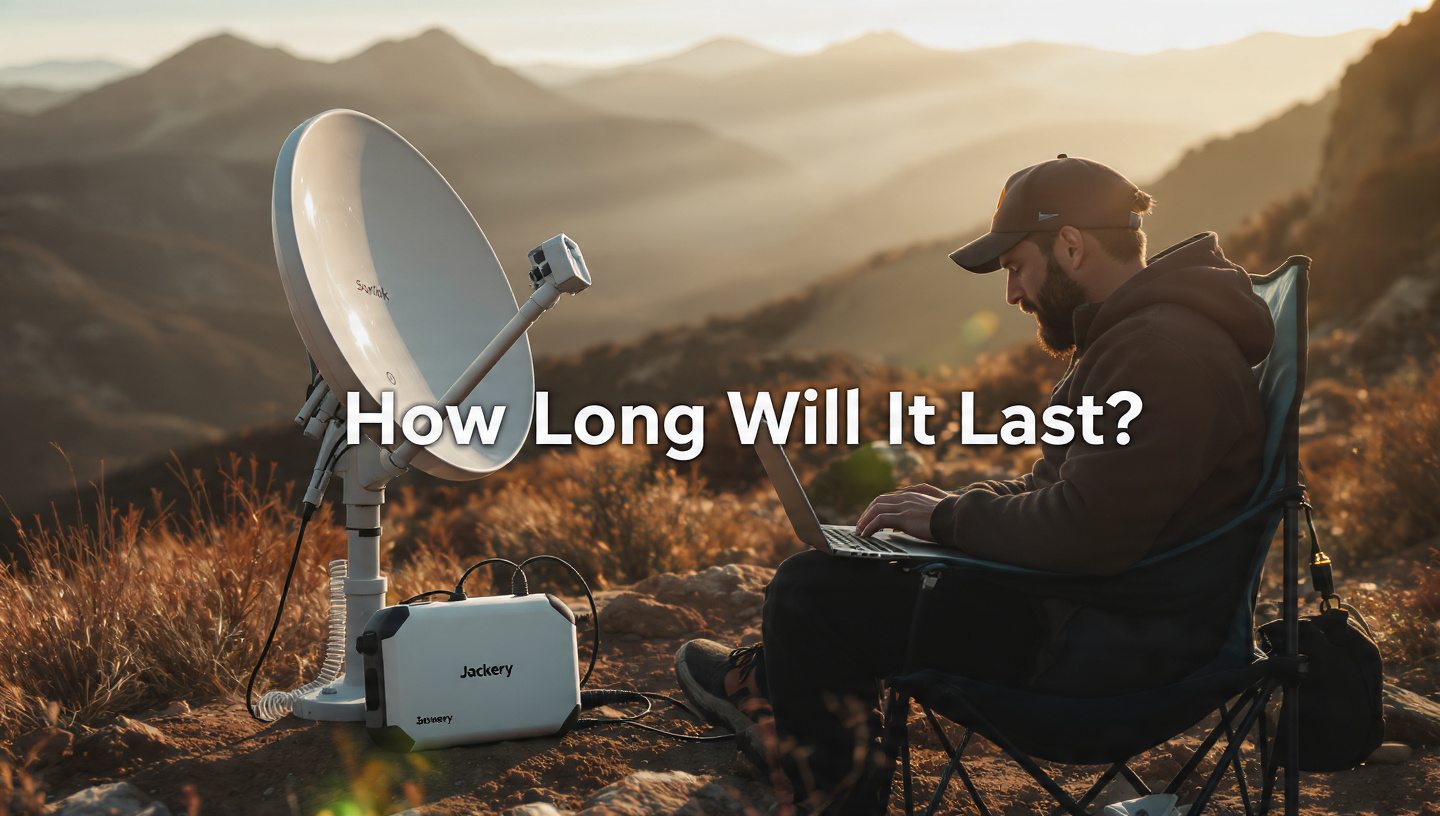
The “Jackery” Test: The Mini can be operated for nearly 30 hours on a Jackery Explorer 1000 v2.
-
USB-C Compatibility: You’ll be able to take your internet with you wherever you go in 2026 by simply powering your device with a 100W PD power bank, such as the Anker 737.

3. Performance: Is It Capable of 2026 Speeds?
Truthfully, the Mini lags behind the Gen 3 Standard in terms of speed. Because of its reduced number of phased-array antennas, it is more vulnerable to interference.
-
Average Transfer Rates: 50–150 Mbps Down and 10–25 Mbps Up.
-
Latency: Very low (25 ms to 45 ms).
-
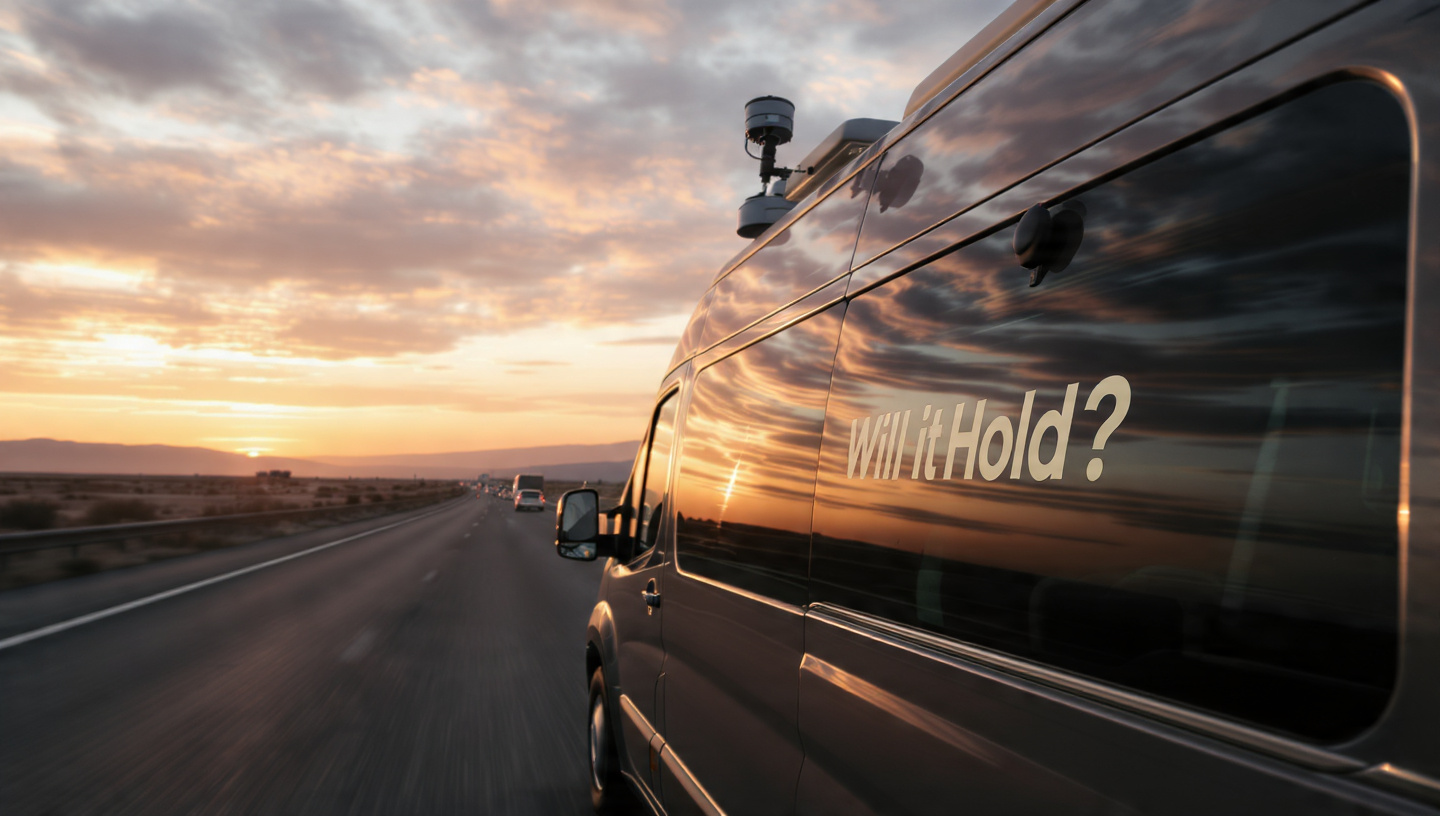
In-Motion: The Mini can formally be used at speeds of up to 100 MPH. We drove it for six hours at highway speeds on top of a van, and it kept a steady 100 Mbps the whole time.
The Downside: The range of the built-in Wi-Fi 5 router is rather small, at around 1,200 square feet. Even if the dish is only 30 feet away, your speed will decrease if you’re inside a thick-walled RV.
4. 2026 Plans and Pricing
A lot more aggression is evident in the price. As of March 2026:
-
Hardware Cost: The retail price is $499, but new Roam customers can use “Activation Benefits” to reduce the price to $199 – $249.
-
Service Plans:
-
Roam 50GB: $50/month (ideal for backup).
-
Roam Unlimited: $165/month (the nomad standard).
-
5. The 2026 Decision: Pros and Cons
The Good:
-
Convenient for Travel: Fits in spaces not allowed by other satellite dishes.
-
DC Native: Does not require a cumbersome inverter to run directly from 12V to 48V.
-
Streamlined Setup: Forget about a separate router and tangled wires.
-
Versatile: Enjoy lightning-fast internet access even as you cruise along.
The Bad:
-
Sensitivity: Very sensitive to obstructions; even a little branch is more problematic than on the bigger Gen 3.
-
Wi-Fi Range: The entire campground won’t be able to use your signal.
-
No PoE: Using the Ethernet port does not eliminate the need for a DC power cable.
6. Who is it for?
If you need more than 300 Mbps to edit 4K videos from a stationary cabin, the Starlink Mini isn’t for you. Choose the Gen 3 Standard for that purpose. The Mini is fit for:
-
Backpackers who need to check in while on the trail.
-
Van-lifers with compact battery packs and little room on top.
-
Emergency Responders who need a “Go-Bag” internet solution.
-
Car Travelers who want reliable streaming for the kids on long trips.
7. Lastly, Will it be the Ideal Friend?
Yes. As far as we can tell in the year 2026, no other device on Earth provides such powerful functionality in such a compact form factor. It has made every corner of the globe a potential office. Buying a Starlink Mini is your best bet this year if portability and battery life are your top concerns.

FAQs
Q: If I buy a Mini, can I use it as my main home internet connection?A: It’s not perfect, but it’s doable. It would be more appropriate as a travel companion than a constant home hub due to its short Wi-Fi range and slightly slower speeds.
Q: Can it be used when it’s raining?A: Yes. It can withstand a heavy rain thanks to its IP67 rating. It can even survive a swift dip in water.
Q: Does it include a monthly commitment?A: No. Just like with any Starlink plan, you can “Pause” your service when you’re not using it and pay for only the months you actually use it.