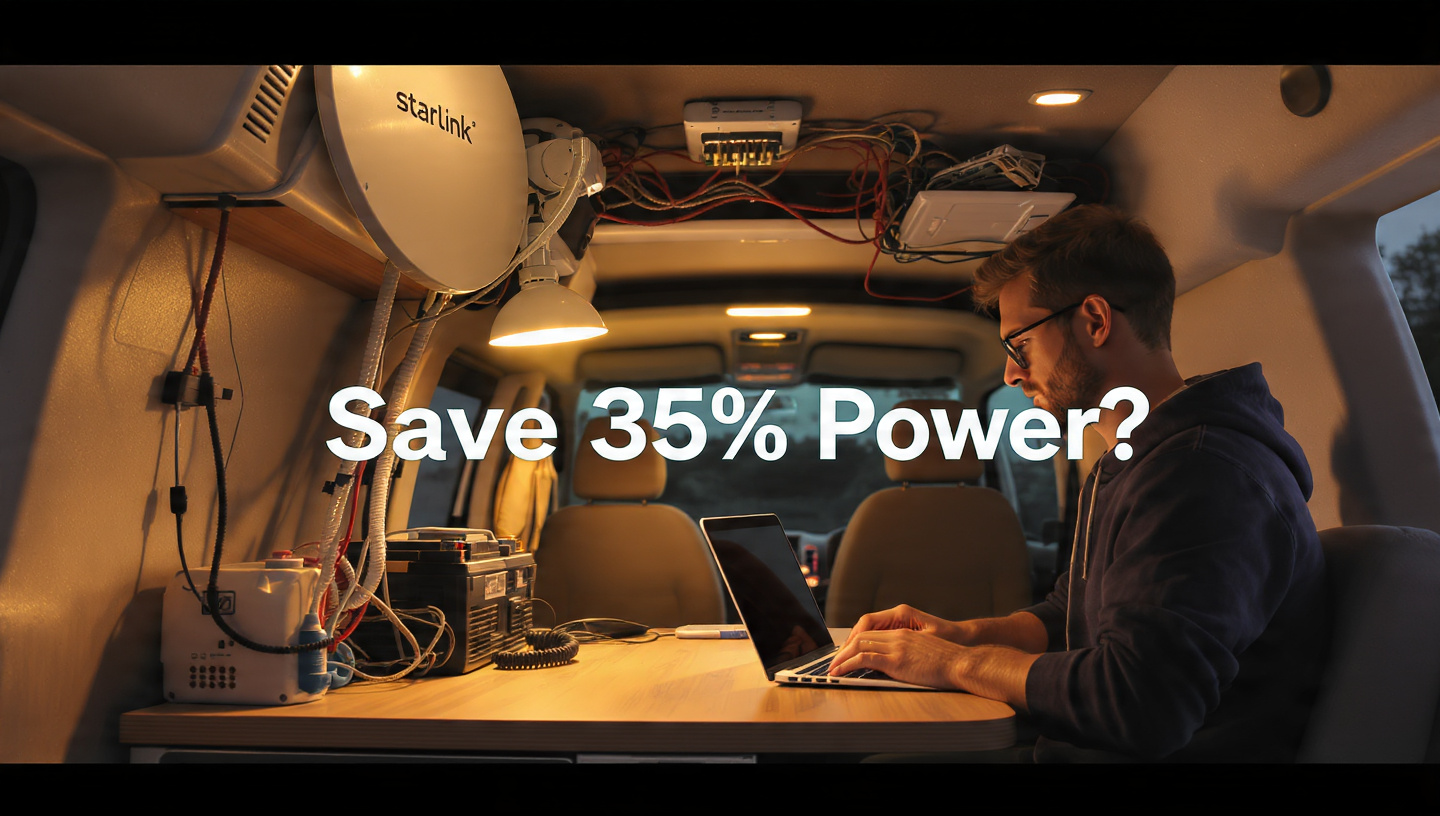
An In-Depth Resource for Starlink 12V DC Conversion That Can Reduce Your Battery Use by 35%
Power is the most valuable commodity for those who live off the grid. You may put more time into your job, watch more movies online, or keep your fridge fresh for another night for every watt-hour you save. However, you are essentially wasting 20% to 35% of your power when you connect your Starlink to a regular AC outlet (via an inverter).

For homes with infinite wall power, the default Starlink configuration is ideal. The “Inverter Tax” is a killer for nomadic people. Starlink 12V DC conversion is the only method to run your satellite internet with maximum efficiency, and we’re going to go into it all in this article.
1. The Power That Your Present Configuration Is Wasting
The Starlink router is typically connected to an AC outlet by means of a portable power station, such as an EcoFlow or Jackery. What follows is a description of the background action:
-
The inverter receives power from your DC battery.
-
As it changes DC to AC (120V), the inverter loses about 15% efficiency due to heat.
-
Another 10-15% is lost when the AC power is converted back to DC (56V) by the Starlink power brick so that the dish can be powered.
A significant portion of your battery life has already been consumed by the time electricity reaches your dish. You may cut out the intermediary and go straight from your battery to the dish with a Starlink 12V DC conversion setup.
2. The Advantages of Using Native DC Products
-
No Inverter Noise: Throughout the night, inverters’ fans hum. A DC arrangement produces no noise.
-
Massive Efficiency Gains: You may anticipate a daily increase of three to four hours in battery life as a result of the massive efficiency gains.
-
Electric Simplified: Say goodbye to unsightly “bricks” and tangled AC cords that clog up your vehicle.

3. Mini Starlink: The 12V Supreme
This is why the brand new Starlink Mini was developed. The Mini’s built-in DC input sets it apart from the Gen 2 and Gen 3 Standard.
-
The Hack: A “kit” is unnecessary for the simple hack. All you need is a 100W PD-rated, high-quality USB-C to DC barrel jack cable.
-
Efficiency: A Mini running on 12V DC consumes only around 20-25 Watts, thanks to its low power consumption. About the size of two standard LED light bulbs.
4. Converting 12V to Starlink Gen 3 (Standard)
Even though the Gen 3 is more “power-hungry,” a DC conversion would result in even greater savings in this sector. The “Inverter Tax” is astronomical due to the Gen 3’s peak power use of approximately 100W.
A few particular parts are required to change the voltage from Gen 3 to 12V:
-
Converting 12V to 56V: Starlink dishes require 56V power. To “boost” the 12V battery power in your vehicle to the necessary voltage, you’ll need a dependable transformer (Step-Up Converter).
-
PoE Injector: Short for “Power over Ethernet,” this is the “brain” of the system that transfers 56V power to the dish through the Ethernet wire.
-
12V Router: In order to establish Wi-Fi inside your van, you will need a small 12V travel router, such as the GL.iNet Beryl AX, since you will be avoiding the Starlink AC router.
5. Necessary Elements (The Store List)
Here are the components you’ll need for a do-it-yourself Starlink 12V DC conversion using a Gen 3 dish:
-
PoE Injector: You can’t go wrong with DishyPowa or Yaosheng PoE Injector as Starlink DC hack tools.
-
Step-Up Converter: If you want to avoid frying your gear, invest in a Victron or MeanWell Step-Up Converter instead of a cheap “no-name” model.
-
Cable: Protect your data from electromagnetic interference by using a shielded Cat6 cable in your van.
6. Assembly: A Step-by-Step Guide
-
Crimp the Ends: Many nomads snip the proprietary Starlink cable and crimp on regular RJ45 ends, which is optional but recommended. A regular PoE injector can be used in this way.
-
Step-Up Wiring: Join the 12V battery to the 56V converter’s input.
-
Power the Injector: The PoE injector can be powered by connecting it to the 56V output.
-
Final Connection: To set up the dish, plug it into the “PoE” connector on your power adapter and your 12V router into the “LAN” port on your router.
7. The Conclusion: Is the Effort Worth It?
Stay with the AC adapter if your daily Starlink usage is less than an hour. However, a Starlink 12V DC conversion is essential for digital nomads who work remotely full-time.

Cutting your battery consumption by 35% is the same as receiving a free battery upgrade worth $100 in parts. It determines whether you have to pack up and stay in a hotel or whether you can work through a dreary week.
FAQs
Q: Will the Starlink warranty be voided? A: Yes, if you sever the official cable. To accomplish a DC conversion without cutting anything, though, you can purchase adaptor cables made by third parties.
Q: Will it work with the cigarette lighter in my vehicle? A: Yes, it is possible for the Starlink Mini. No, not for Gen 3. The high current needed for the 56V step-up procedure during the “boot-up spike” is typically too much for a cigarette lighter socket to manage.
Q: Is Starlink still an active app? A: Absolutely! The Starlink app still allows you to control your dish and see obstacles, even if you’re using a 12V router from a third party.