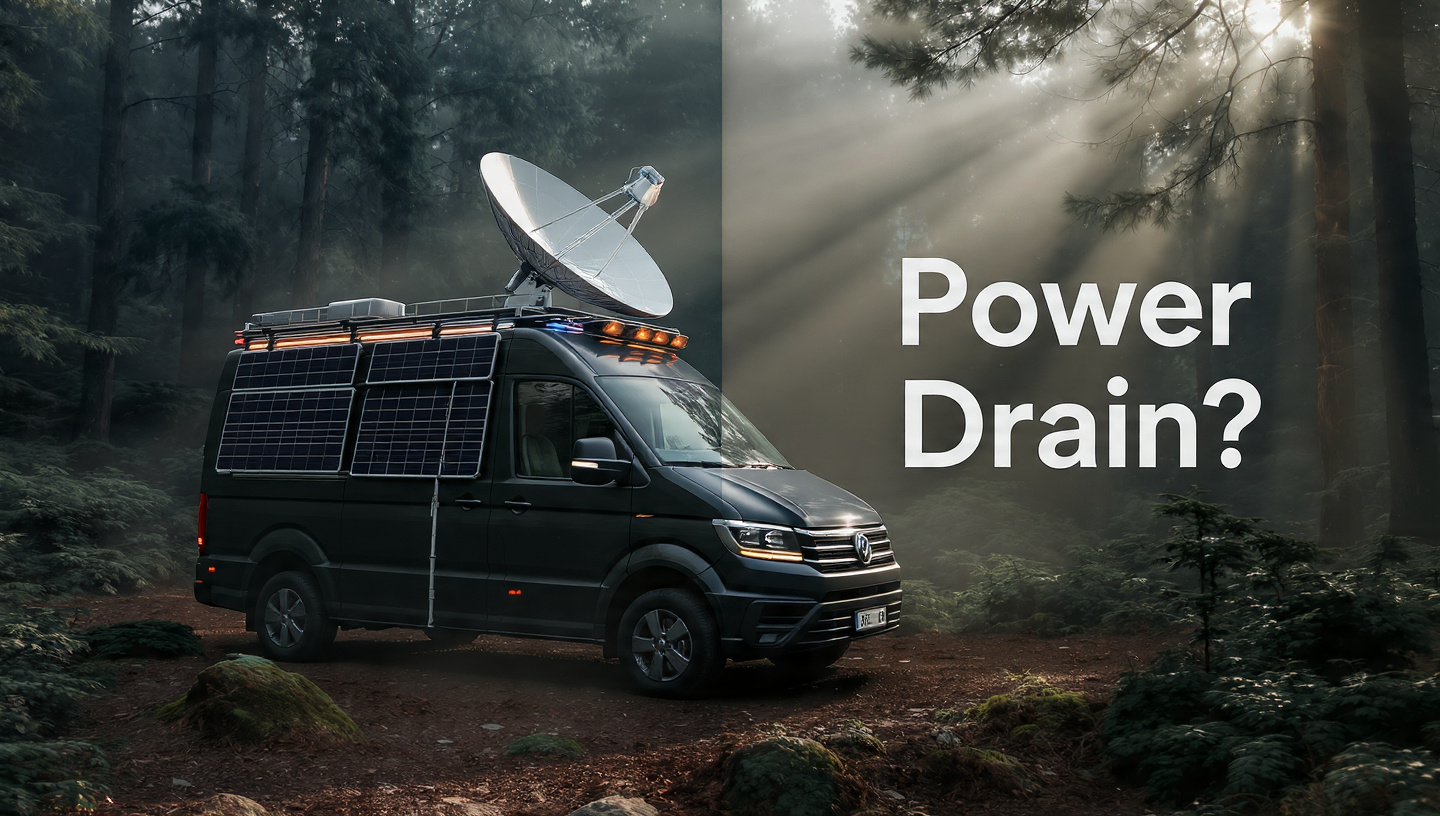
The Brutal Off-Grid Truth: Starlink Power Draw (Gen 3 vs. Mini)
Sitting in your van deep within a national forest, your heartbeat serves as your battery monitor. Each and every Watt-hour is important. What you have essentially done is welcomed a high-maintenance guest into your electrical system if you have just invested in Starlink.
Official SpaceX specifications are like gas mileage: they only disclose the “perfect scenario.” But there are some drawbacks to living off the grid. Clouds abound, temperatures drop below freezing, and your dish battles mightily with the pines for a signal.

For the past six months, I’ve been using both the new Starlink Mini and the older Starlink Gen 3 (Standard V4). Here is the hard evidence of how much juice they drain your bank account for.
1. Why is the “Starlink Tax” so thirsty?
Starlink is an extraordinary device—a phased-array antenna—unlike any ordinary home router. It’s basically a massive computer that “tracks” spacecraft traveling at 17,000 miles per hour using radio waves with a high frequency. This requires a great deal of computational power.
Powering a tracking station is what you’re really getting when you plug it in, not a Wi-Fi signal.
2. The Master of Performance: Starlink Gen 3 (Standard V4)
When it comes to speed, the Gen 3 is where it’s at. It supports a whole family’s worth of devices, has Wi-Fi 6, and has better range. Except it’s a “Watt-monster.”
Precise Quantities:
-
The First Delay (110W–140W): The Gen 3 makes a deafening racket for the first ten minutes. It locks on after heating up parts and scanning the sky. This is where a portable power station with a weak inverter will let you down.
-
Active Use: On a Zoom call or while watching Netflix, you can anticipate a consistent 80W draw, which is the average active use range of 75W to 100W.
-
The “Idle” Drain (25W – 35W): If the dish is “awake,” it will consume 30W even when you’re not using the internet. That amounts to 720Wh in a day. As an example, if you left a Jackery 1000 dish on all night, it would be 70% empty!
-
The “Snow Melt” Threat: The dish is capable of drawing up to 160W when left on automatic. In a van-life scenario, this would be disastrous for the battery.

3. Mini Starlink: The Van-Life Game-Changer
At long last, SpaceX paid attention to the “Van-Life” game-changer. They made a “Power Miser” by combining a smaller dish with the router.
Precise Quantities:
-
Startup Spike: Much more manageable startup spike (50W to 60W). Any little “power bank” should be able to manage this.
-
Average Active Use: The sweet spot is between average active use (22W to 38W). Compared to a laptop, it consumes less power.
-
The “Idle” Drain: Here, in the “Idle” Drain (12W – 15W), the Mini triumphs in the off-grid battle.
| Hardware | Average Watts | 8-Hour Workday (Wh) | Recommended Battery Life (Wh) |
| Gen 3 (Standard) | 85W | 680Wh | 1000Wh+ (EcoFlow Delta 2) |
| Starlink Mini | 28W | 224Wh | 300Wh+ (Jackery 300 Plus) |
4. Finding 20% More Life with the 12V DC Hack
For the most part, newbies fumble here. You have a DC battery. Your power station changes it to alternating current (120V). Prior to returning it to DC (56V), the Starlink power brick does the conversion. Due to heat, this “double-conversion” wastes about fifteen to twenty percent of your initial power.
The Mini is equipped with a built-in DC input. It requires no additional hardware beyond a barrel jack adapter to power straight from a USB-C PD (100W) port. Disregard the inverter. Zero power loss.
Gen 3 requires a dedicated DC-DC POE Injector, such as the one included in the Yaosheng kit. Though more “techy” to set up, it will result in a 15W hourly power savings.
5. The “Watt Killers”: What Causes Your Usage to Climb
-
A. Difficulty = Increased Strength: Your dish will remain in “High Search” mode if it is battling to get a signal through trees. This consumes 10–20% more energy compared to an open sky connection. Advice from the pros: If the sky is overcast, disable it until you can move.
-
B. Length of Cable: Resistance increases as cable length increases. The power loss occurs in the wire itself if you use an extension that is 150 feet long. If at all feasible, stick with the original cable.
-
C. Condition of the Environment: Under extremely hot conditions (100°F+), electronic efficiency decreases. You should keep your router somewhere with good ventilation. Avoid stowing it away in a hot, crowded cabinet.
6. Get the Right Battery for Your Needs: A Practical Guide
The Miniature “Weekend Warrior”
A 250Wh-500Wh battery and a Starlink Mini are more than enough power for light web browsing, email, and YouTube. All it takes is a few hours of sunshine from a single 100W solar panel to charge this.
Gen 3’s “Heavy Pro” Configuration
To maintain “neutral,” a video editor or coder requiring Gen 3 speeds requires a 1000Wh battery and 300W-400W of rooftop solar. If it’s not, you’ll have to start your engine to charge it by Tuesday.
7. My Suggestion: What Is It That You Should Purchase?
Overall, EcoFlow Delta 2 is the Editor’s Choice.
It takes 50 minutes for it to charge from 0% to 80%. If the weather is overcast, you can charge your Starlink device for two days at a coffee shop in just one hour.
[See Amazon Price Here (Affiliate)]
The pinnacle of “digital nomad” flexes: Starlink Mini with USB-C PD.
You can power this setup using a laptop power bank, and it fits in a backpack.

8. In a Nutshell: Proven Strategies for Long-Term Battery Support
-
In the app’s settings, toggle Snow Melt off.
-
For the Night, Turn Off the Dish. Never leave it unattended while you’re asleep.
-
Jump from DC to DC. Skipping the inverter will save you 20% on the “Inverter Tax.”
-
Use Bypass Mode if your 12V travel router is very efficient.
The Decision: Mini or Gen 3?
Gen 3 is the behemoth you seek if you possess an enormous solar array and demand the utmost in speed. However, most travelers and van dwellers will find that the Starlink Mini is the better option. You can actually spend three times as much time in the woods thanks to the massive power savings.
Here at Rapidove, we prioritize freedom above all else. With the Mini, you can put your worries about battery life to rest.
FAQs
Q: To run Starlink from the car’s cigarette lighter, is that possible?
A: The Mini? Yes, provided you use a top-notch 100W adapter. Not the Gen 3. The startup spike is when it usually fails to boot or blows the fuse.
Q: Does the Starlink app display power consumption?
A: No. To view the current draw in real-time, you will require a power station that has a screen or an inline wattage meter.
Q: Is “Sleep Mode” going to conserve power?
A: Yes, the transmitter is turned off while the router is in Sleep Mode. It cuts the draw considerably, but it’s always better to turn it off entirely.